Trusted, Top-Quality Video Conferencing Solutions for Legal Professionals
SmartMeet is SmartLex’s integrated video conferencing solution, designed specifically for law firms and legal professionals. It enables secure, high-quality video meetings directly from the SmartLex platform, with no accounts or software installations required for clients or participants.
With HD video, adaptive audio, and built-in collaboration tools, SmartMeet ensures smooth and professional communication across devices. All meetings are fully encrypted and hosted within SmartLex-controlled infrastructure, ensuring complete privacy, data ownership, and compliance.
Whether for client consultations, internal discussions, or formal proceedings, SmartMeet delivers a reliable and confidential communication experience tailored to modern legal practice.
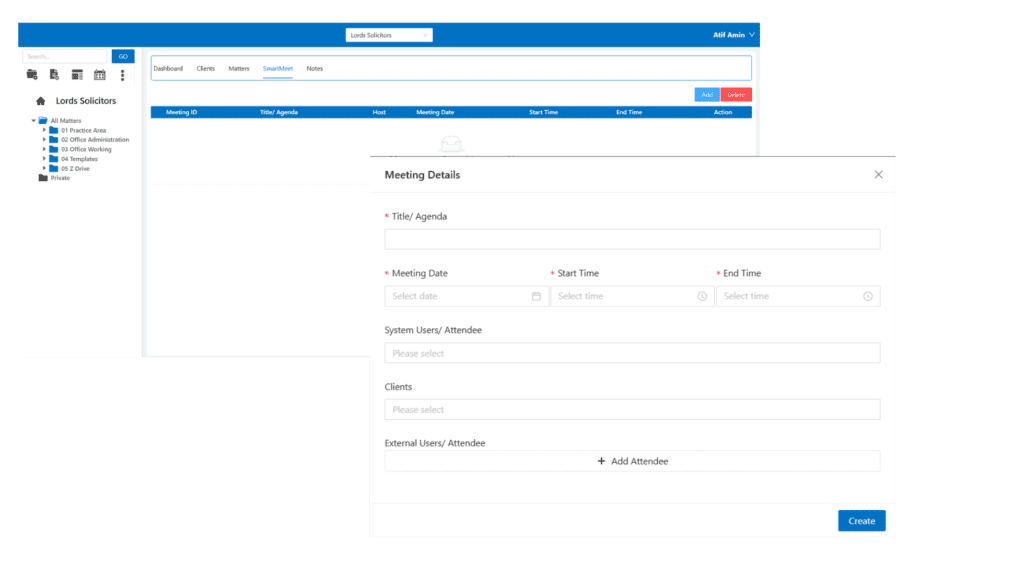
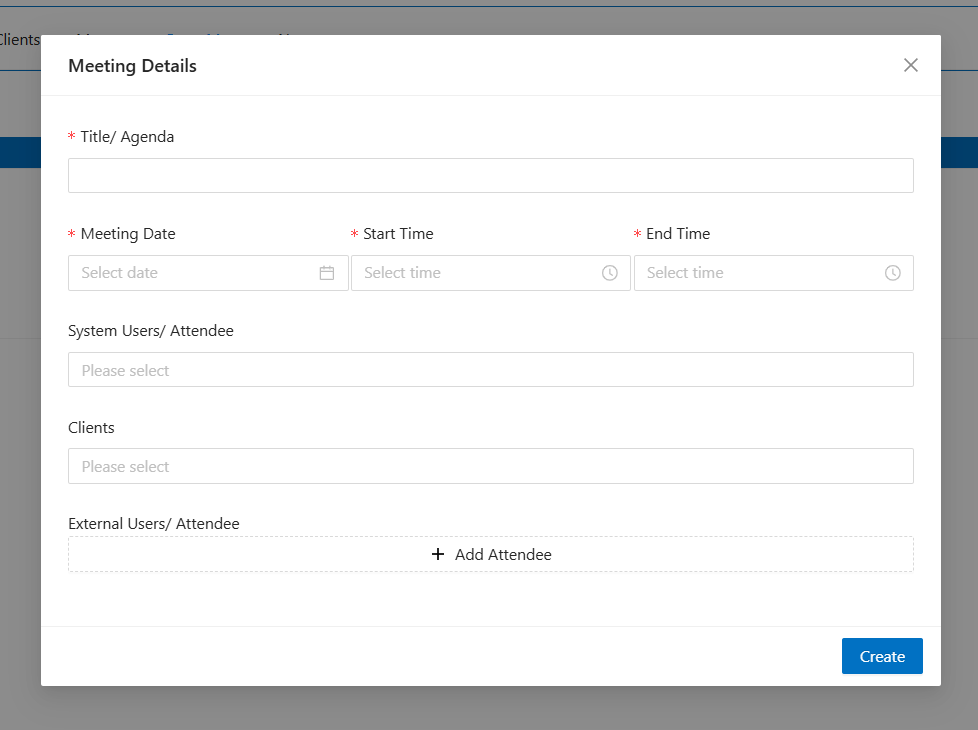
You can create or join a video call directly from the SmartLex dashboard with no account, download, or installation required.
You can add the following participants:
Clients of SmartLex
Existing SmartLex users (team members)
Any individual via their email address
Once a meeting is created, an automatic email invitation is sent to the participant(s), who can join at or shortly before the scheduled meeting date and time.
This seamless design makes hosting meetings simple and inclusive from the very first click.
High-Quality Video & Adaptive Audio
SmartMeet delivers HD video and crystal-clear audio, adjusting dynamically based on network conditions.
The adaptive bandwidth handling helps maintain smooth calls even if someone’s internet isn’t perfect.
It’s built to feel professional and responsive no matter who’s dialling in.
Screen Sharing & Desktop Presentations
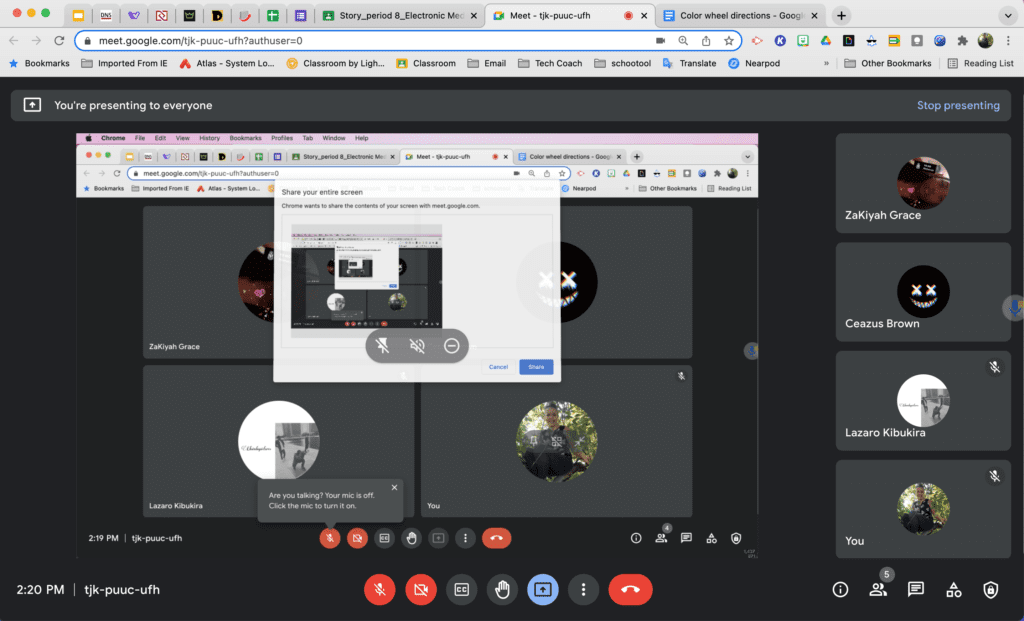
Share your entire screen or just a specific application window during meetings.
Presentations, training demos, or collaborative work are easier because everyone sees exactly what you intend.
Integrated Chat & Emojis
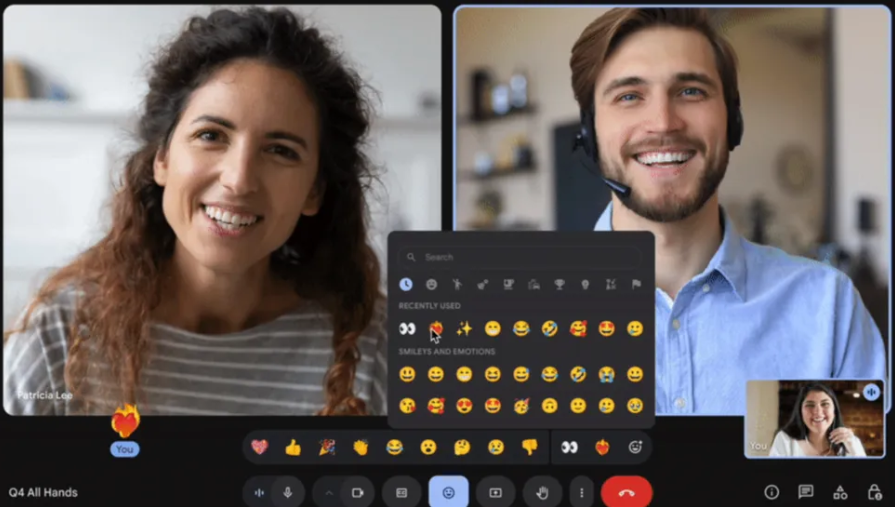
In-meeting chat lets participants exchange messages, links, and emojis during a call.
This enriches engagement by giving a backchannel alongside video and audio.
It’s especially helpful for quick notes, clarifications, or sharing resources mid-session.
Recording & Streaming (With Add-Ons)
Out of the box, basic local recording is possible, and you can record or live-stream to platforms like YouTube.
This is perfect for saving trainings, virtual events, or sessions you want to share later.
Note that recording requires add-on components and isn’t always enabled on every SmartMeet instance.
Multi-Platform Support
Whether you’re on a laptop, phone, or tablet, SmartMeet works across web browsers and mobile apps. This broad compatibility means you can host or join meetings from virtually any device. No worries about “unsupported platform” messages in the middle of an important call.
Self-Hosting & Full Data Control
Because you are running SmartMeet on your own server(s), your data is yours.
This is a huge win in regulated industries like law practice where compliance matters.
Self-hosting also means customization, performance tuning, and data residency are in your hands.
Moderator Controls
Meeting hosts can mute participants, remove attendees, or change settings like room passwords.
Features like “raise hand” help manage engagement in larger gatherings.
These tools make it easier to keep calls orderly and inclusive.
Why Choose SmartPractice?
Comprehensive Case Management
SmartPractice consolidates all aspects of case management into one easy-to-use platform. From case creation to closure, manage everything in one place, improving efficiency and reducing the need for separate tools.
Seamless Integration with SmartLex Suite
As part of the SmartLex Suite, SmartPractice integrates seamlessly with other tools like SmartConnect and SmartFolders, ensuring that client data, documents, and case information flow smoothly between platforms.
Customizable to Your Firm’s Needs
SmartPractice is designed to be flexible, allowing you to customize workflows, task assignments, billing arrangements, and more. Tailor the platform to fit your firm’s unique processes.
Security and Compliance
SmartPractice is built with the highest levels of security in mind. All client data, documents, and communications are stored securely, and the platform ensures compliance with industry standards and legal regulations.
Have Questions? Get in Touch!
SmartLex Suite is here to revolutionize your legal practice. Contact us to schedule a demo, ask questions, or receive technical support. We’re ready to help you get started with AI-powered legal management.